Get Instant AI Summaries of Any PDF

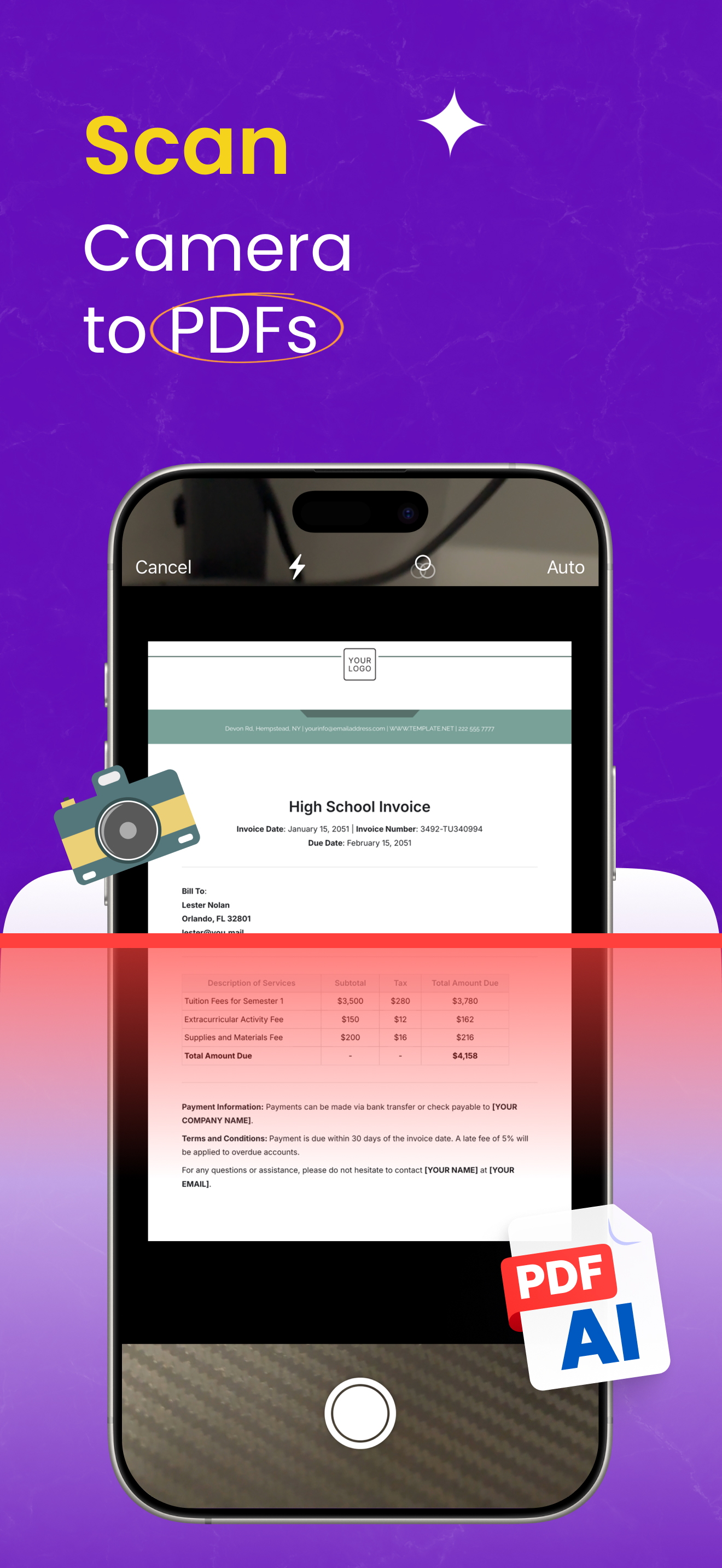
Scan a document or import a PDF. PDFAI gives you bullet points, key takeaways, or executive summaries in seconds.

AI Summary Interface

How AI Summary Works

1

Open Document

Scan a new document or open any PDF from your library.

2

Tap "AI Summary"

Hit the sparkle icon. PDFAI extracts text and sends it securely to GPT-4o.

3

Get Key Points

Read the summary instantly. It's saved so you don't have to generate it again.

4 Powerful Summary Styles

Choose the format that fits your needs.

📝

Bullet Points

Quick, scannable list of the main ideas. Perfect for skimming.

📄

Paragraph

A flowing narrative summary that reads like a short article.

🔑

Key Points

Structured sections: Key Insight, Main Arguments, and Action Items.

💼

Executive Summary

High-level overview designed for decision makers and professionals.

Share Beautiful Summary Cards

Turn your summaries into stunning images perfect for Instagram, LinkedIn, or team updates.

  • ✓ 6 Gradient Styles (Vibrant, Sunset, Ocean, etc.)
  • ✓ Optimised for Social Media (1080x1350px)
  • ✓ QR Code links back to original source
Summary Card Example